.avif)
TL;DR
- Different AI apps and use cases create different security requirements.
- Security needs visibility across native, embedded, and homegrown AI apps.
- Point solutions can result in a complex and fragmented AI security environment.
- A unified AI security platform centralizes visibility and control.
AI Apps Don’t Fit One Security Model
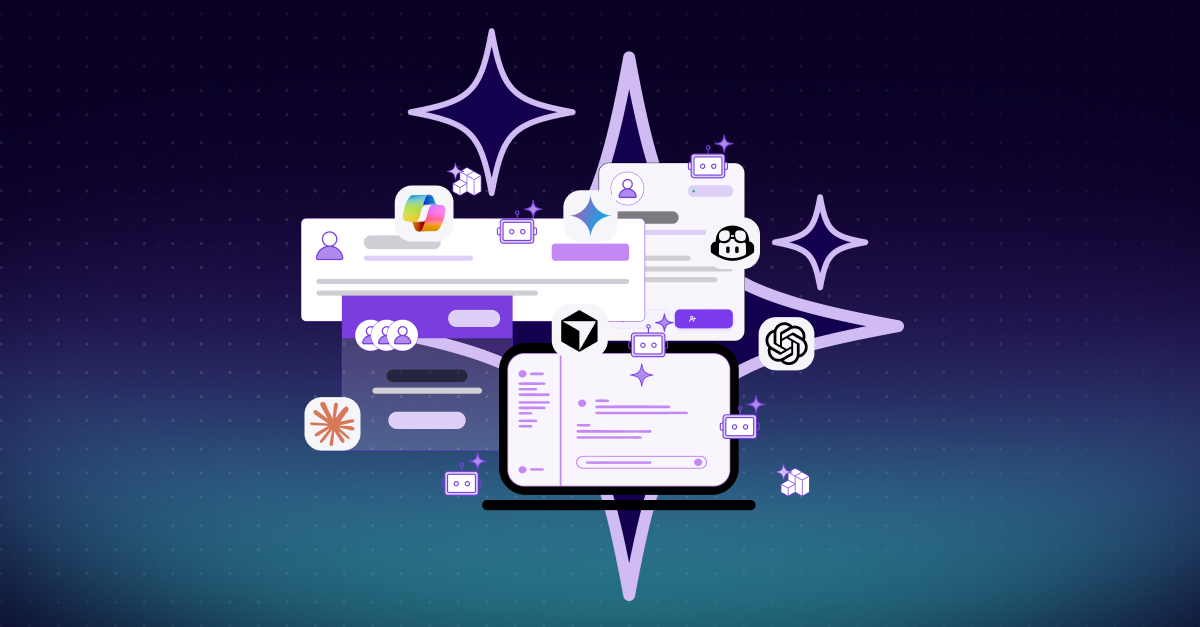
AI apps come in different types. There are native AI apps such as ChatGPT, Claude, and Copilot. There are embedded AI capabilities inside software such as Canva, Grammarly, and Figma. And there are homegrown AI apps developed for specific organizational needs.
But type is only one part of the equation. AI apps are also used for different purposes, from answering questions and searching the web to generating images, processing voice, summarizing meetings, writing code, and automating workflows.
For security leaders, both distinctions matter.
The way an AI app is delivered affects how users interact with it and how security can control it. What the app does determines the information, systems, and actions that may be involved. A general-purpose chatbot, an AI feature inside existing software, and an AI tool that can act and make decisions require different security approaches.
Trying to make every AI app fit the same security model isn't a viable strategy, but supporting their different security requirements with separate point solutions isn't either.
Native AI Apps
Native AI apps are built from the start with AI as their core technology rather than adding AI capabilities to existing software.
Employees interact directly with these apps to ask questions, analyze information, create content, and perform other tasks. For security teams, this raises questions around app approval, shadow AI, sensitive data exposure, and whether employees use approved business accounts or personal accounts.
The security challenge isn't limited to chat interfaces. Native AI apps can also include agentic capabilities that allow them to interact with tools, access data, and take actions as part of multi-step workflows.
Security therefore needs visibility and control over usage, interactions, and complete workflow processes, not only the AI app itself.
Embedded AI
AI can also be embedded into software employees already use. This creates a different challenge. Security teams need a way to identify the embedded AI being used across the organization and address risks including prompt injection, sensitive data leakage, shadow AI, and unauthorized agentic behavior.
As AI becomes a feature inside more business software, security needs to account for AI usage that doesn't begin with an employee simply opening a dedicated AI app.
Homegrown AI Apps
Organizations can also build their own AI apps for specific business requirements. These homegrown AI apps introduce a different security challenge. They can retrieve data, use tools, and take actions while connected to internal business systems.
Because organizations own these apps and their architecture, they're also responsible for managing the AI-specific risks they introduce. These include prompt injection, sensitive data leakage, insecure AI integrations, compliance violations, and excessive agency.
The focus therefore expands from governing employee usage to protecting the AI app itself, the information it processes, its integrations, and the actions it can perform.
Different Use Cases, Different Risks
AI apps serve a wide range of purposes, and these different use cases affect what and how security teams need to protect.
Content Creation
Employees use AI to write, edit, summarize, translate, and create content, from emails and presentations to reports, contracts, and marketing materials. These interactions can involve internal documents, customer data, financial information, intellectual property, and other sensitive business information.
Security teams need visibility into what employees are sharing with AI and guardrails to prevent sensitive data from being exposed.
Research and Analysis
AI is increasingly used to research topics, analyze documents and data, summarize reports, and answer questions.
Prompts can contain sensitive information about internal projects, customers, products, or business activities. Security teams need to identify sensitive or malicious content in prompts in real time and block or redact it before it reaches the AI app.
Code Development
Developers use AI to generate, review, debug, modify, and understand code, bringing AI directly into software development workflows.
This can expose source code, credentials, and other sensitive development information. As coding tools become more agentic, they can also interact with IDEs, code repositories, development tools, systems, and other resources, expanding the security challenge from protecting data to controlling what the AI can access and do.
Customer Service and Support
AI can assist customer-facing teams by answering questions, summarizing cases, drafting responses, and retrieving information needed to resolve customer issues.
These interactions can involve customer records, account information, and other sensitive data. As AI takes a more active role in support workflows, security teams need to control what information it can access, what it can disclose in responses, and what actions it can take on a customer's behalf.
Task and Workflow Execution
Employees can use AI to carry out tasks, interact with business systems, use tools, update information, and take actions on their behalf.
Here, the security challenge goes beyond protecting the information shared with AI. Security teams need visibility into the systems AI can access, the permissions it has, the decisions it makes, and the actions it takes across the complete process.
Security requirements change with the use case.
No single security control can address all of these use cases. But deploying a separate point solution for each one can result in a complex and fragmented AI security architecture.
When AI Security Becomes Fragmented
As AI adoption expands, organizations may add dedicated security tools to address different AI apps, use cases, and risks.
The individual tools may solve specific problems, but the resulting security architecture becomes more complex to manage.
Visibility is divided across products. Policies and controls are managed in different places. Security teams need to maintain multiple integrations and solutions. Each solution sees only the part of the AI ecosystem it was designed to protect, while the CISO needs to understand risk across the organization.
The more connected AI becomes, the less effective it is to manage its security as a collection of disparate point solutions.
One Platform to Bring It All Together
Different AI apps and use cases require different security approaches. A unified AI security platform brings these approaches together through a single architecture and control plane across native AI apps, embedded AI, and homegrown AI apps.
A platform gives CISOs centralized visibility and control while allowing security teams to apply the appropriate protections to each environment. Policies and governance can be managed consistently without adding separate deployments, integrations, and operational overhead as new AI capabilities are introduced.
The move toward this model is already taking shape. Gartner predicts that by 2028, more than 50% of enterprises will use AI security platforms to manage the risks introduced by rapid AI adoption. By centralizing visibility and control, these platforms help CISOs enforce AI use policies, monitor activity, and apply consistent security guardrails across the enterprise AI ecosystem.
Different AI apps create different risks. The answer isn’t more point solutions. It’s one unified way to control, govern, and protect the entire AI environment.
FAQ
Enterprise AI includes native AI apps, AI embedded within existing software, and homegrown AI apps developed for specific organizational needs. Each type interacts with users, data, and systems differently.
Common use cases include content creation, research and analysis, code development, customer service and support, and task and workflow execution.
The security requirements depend on how an AI app is delivered and how it is used. Different apps and use cases can involve different information, systems, permissions, interactions, and actions.
Separate point solutions can divide visibility, policies, and controls across multiple products while adding deployments, integrations, management interfaces, and operational overhead.
A unified platform brings different AI security approaches under a single architecture and control plane, centralizing visibility, policies, governance, and security controls while reducing the need for separate deployments, integrations, and management layers.
.avif)